


- Delivery is not possible
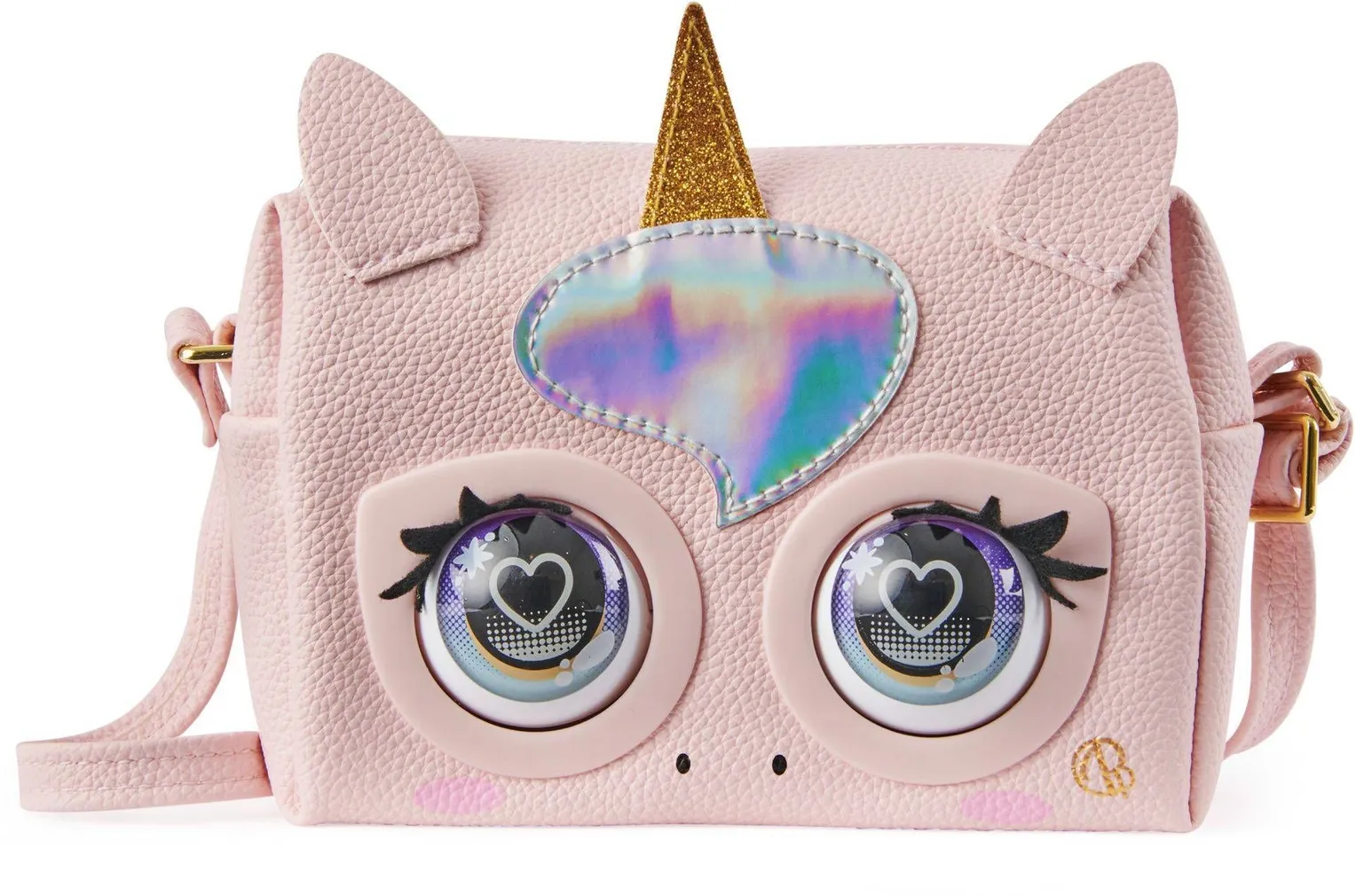
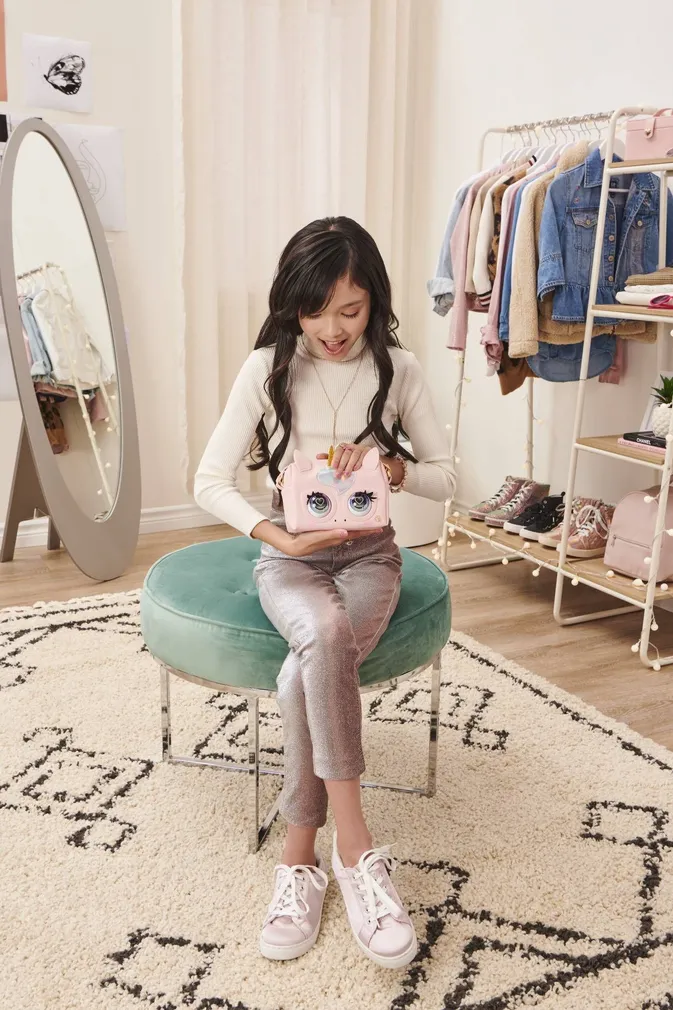
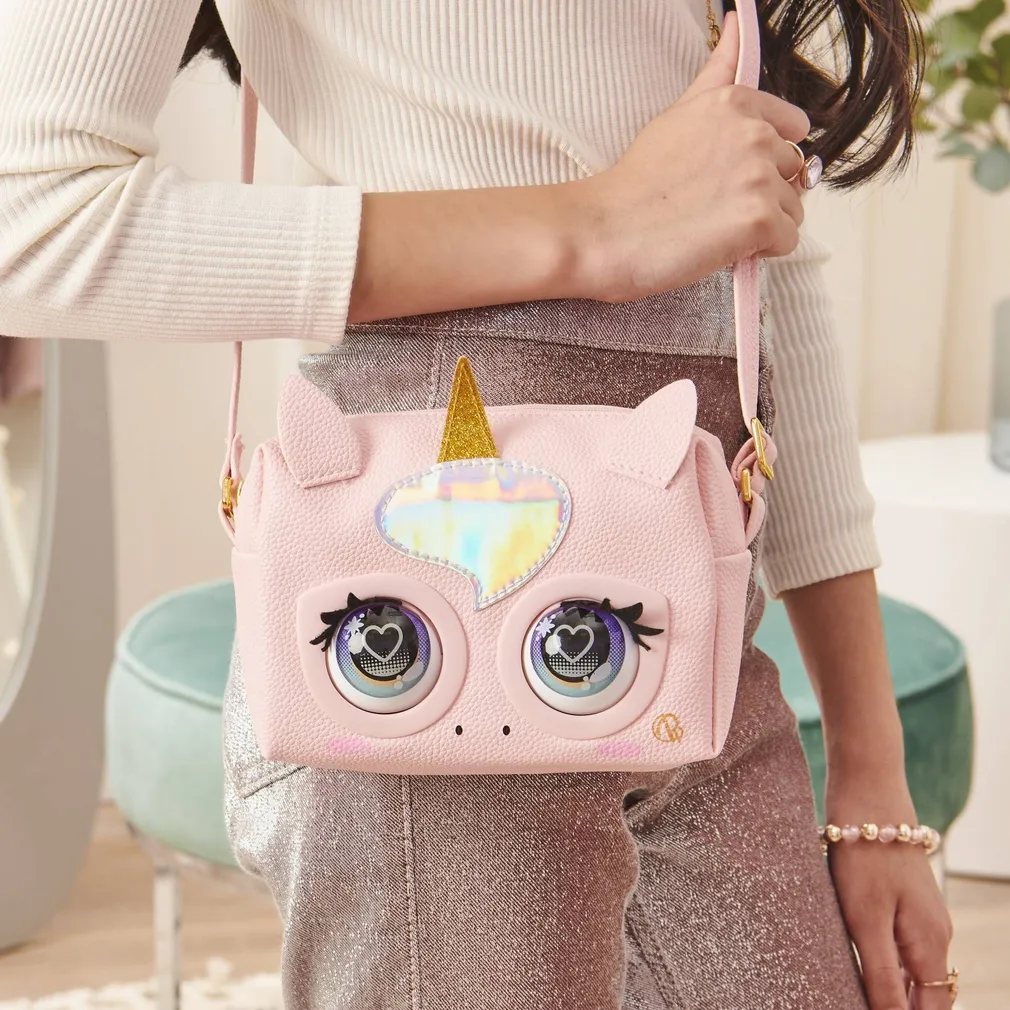
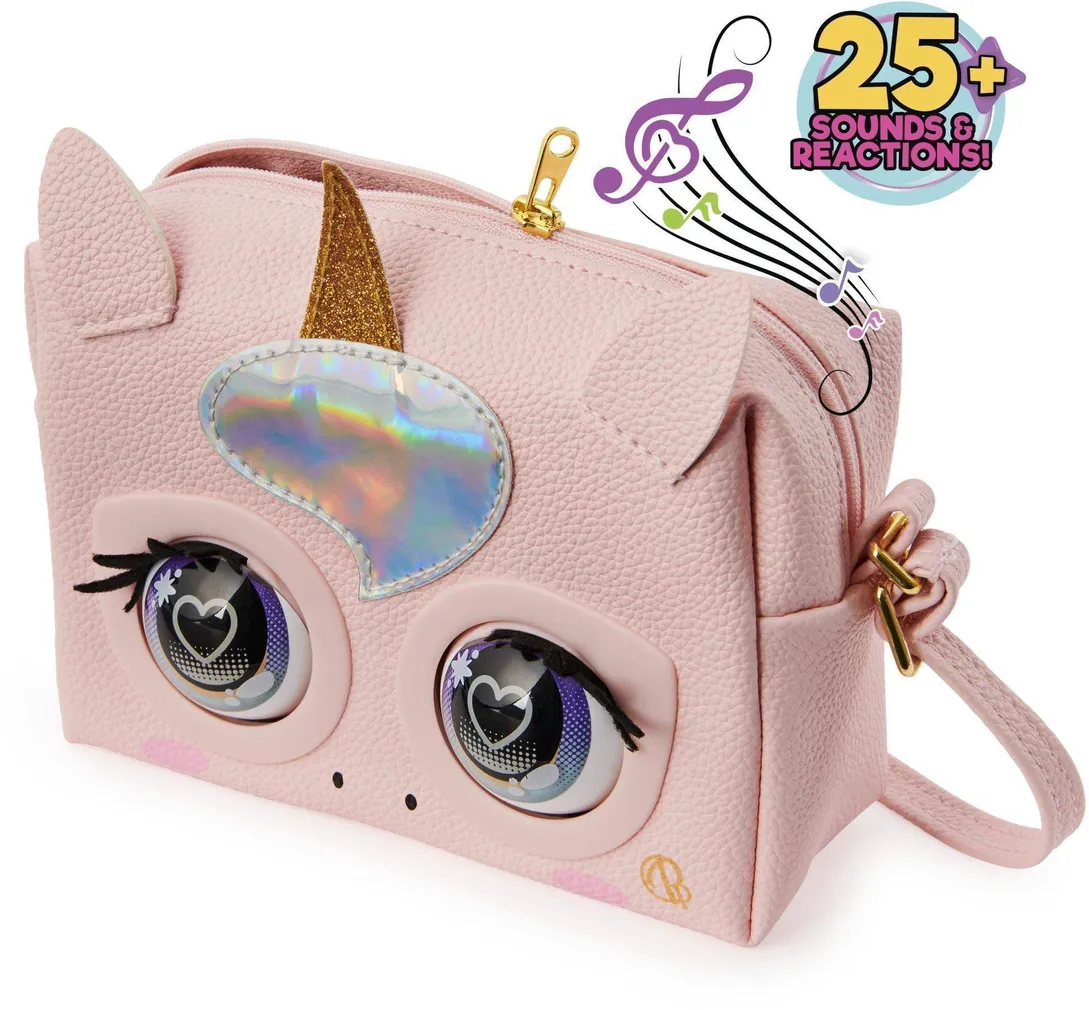
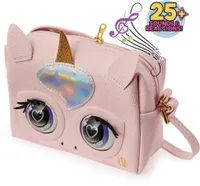
PURSE PETS INTERACTIVE HANDBAG UNICORN TOY
SKU: 724351
We apologize, but we inform you that the desired product is currently temporarily out of stock due to high demand. However, we offer excellent alternatives from the same product category , which can bring you just as much joy!
But your shopping pleasure doesn't have to end here - you can continue your research by returning to the homepage or use our powerful search function to discover even more great options. Happy shopping!
But your shopping pleasure doesn't have to end here - you can continue your research by returning to the homepage or use our powerful search function to discover even more great options. Happy shopping!
• The interactive handbag has 3 different modes.
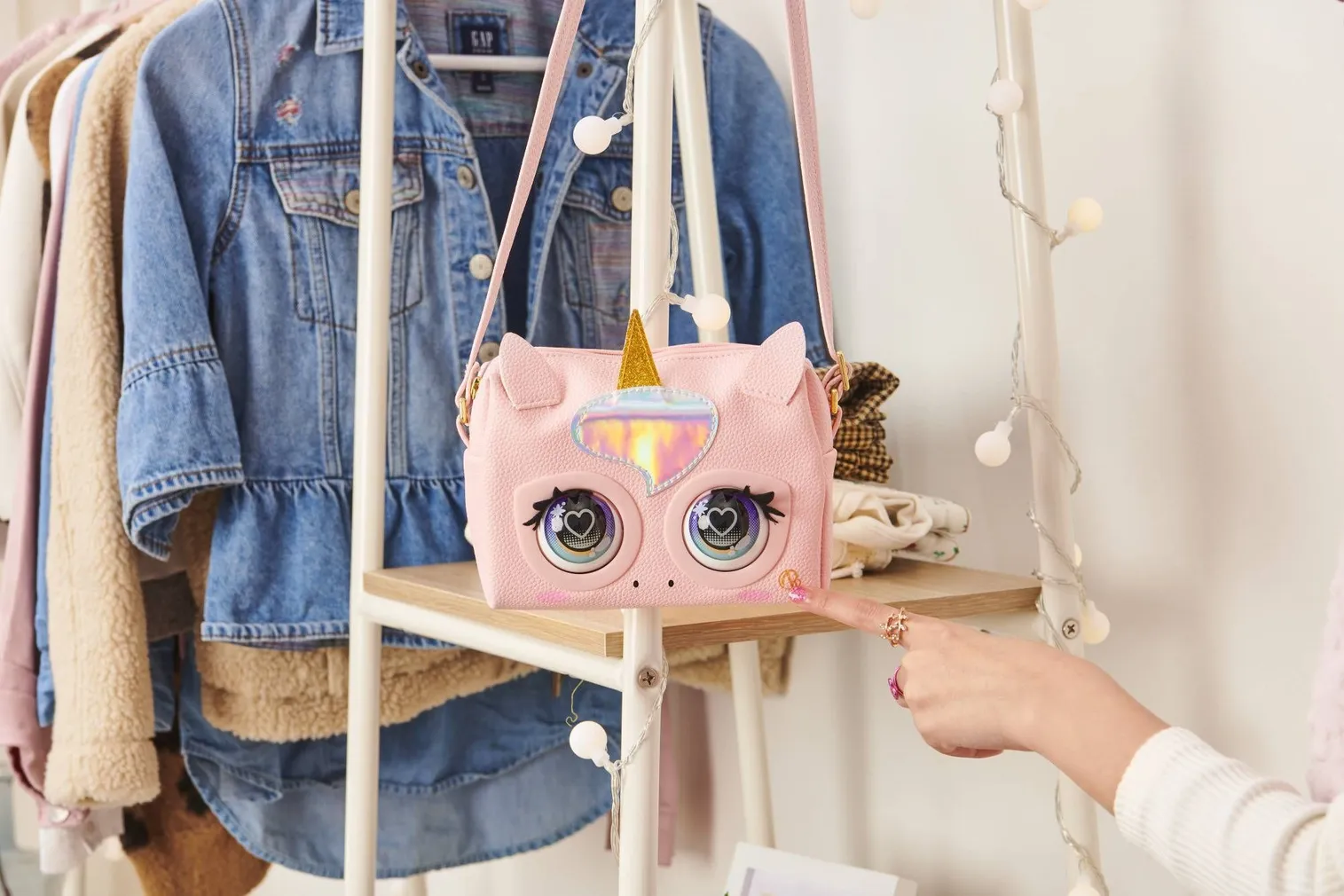
• The handbag responds to touch and blinks its eyes.
• 14-day return policy
• The handbag responds to touch and blinks its eyes.
• 14-day return policy
- Delivery is not possible
The Purse Pets interactive unicorn handbag, "The Glamicorn," is truly awesome! This bag reacts to your touch and blinks its eyes. Over 25 sounds and reactions in total. The Purse Pets bag has 3 different modes: ON THE GO—touch the bag and it blinks its eyes; ANSWERING – ask it “YES” and “NO” questions, and it will answer; and RUNWAY mode – walk with it as if on a runway, accompanied by sounds coming from the bag. In addition to its various interactive features, it’s a spacious handbag where you can store all your essentials. HOW TO TURN IT ON? Unzip the handbag and slide the switch to the (I) position. SILENT MODE—No sound. To enter MOVEMENT MODE, hold down the “Insignia” button while turning the handbag on. To exit SILENT MODE, turn the handbag off and then back on. To switch modes, use the “Insignia” button. To enter MOVEMENT MODE, hold down the “Insignia” button while turning the handbag on. To exit SILENT MODE, turn the handbag off and then back on. I HAVE THREE MODES! To switch modes, use my “Insignia” button. MOVEMENT MODE—I interact even when we’re moving. If you touch my forehead, I’ll blink, purr, and make a sound. When we’re on the move, I’ll blink. AIR KISS: 1. Hold your finger on my forehead to charge the kiss. 2. Let go, and I’ll send you an air kiss! MAGIC MODE—we can interact and play more. If you press my forehead and hold your finger there, the MOE SHOW begins, where I’ll play music for you as I walk. To hear the sound of camera shutters, press my forehead; to hear applause, hold your finger there. If you ask questions and tap my forehead, I’ll answer yes or no. SLEEP MODE: If we don’t interact for long enough (about five minutes), I’ll close my eyes and go into sleep mode. To wake me up, press the “Insignia” button. You can also put me to sleep by holding down the “Insignia” button.
| General | |
|---|---|
| Brand | Purse Pets |
| Product code | 724351 |
| Package dimensions | |
|---|---|
| Product weight, kg | 1.04 |
| Package height, cm | 20.32 |
| Package depth, cm | 6.76 |
| Package width, cm | 20.32 |
| Weight, kg | 1.04 |
Delivery is not possible