

- Delivery is not possible
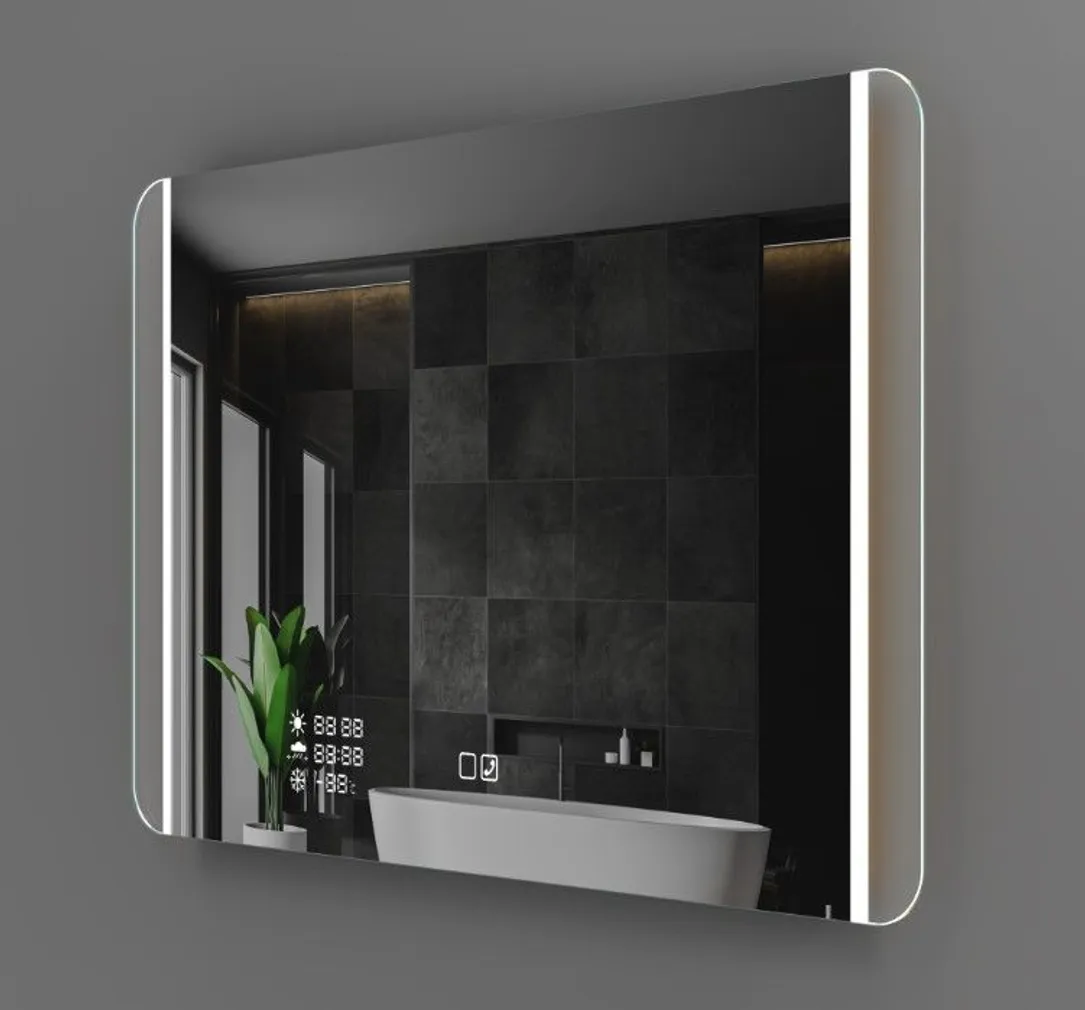
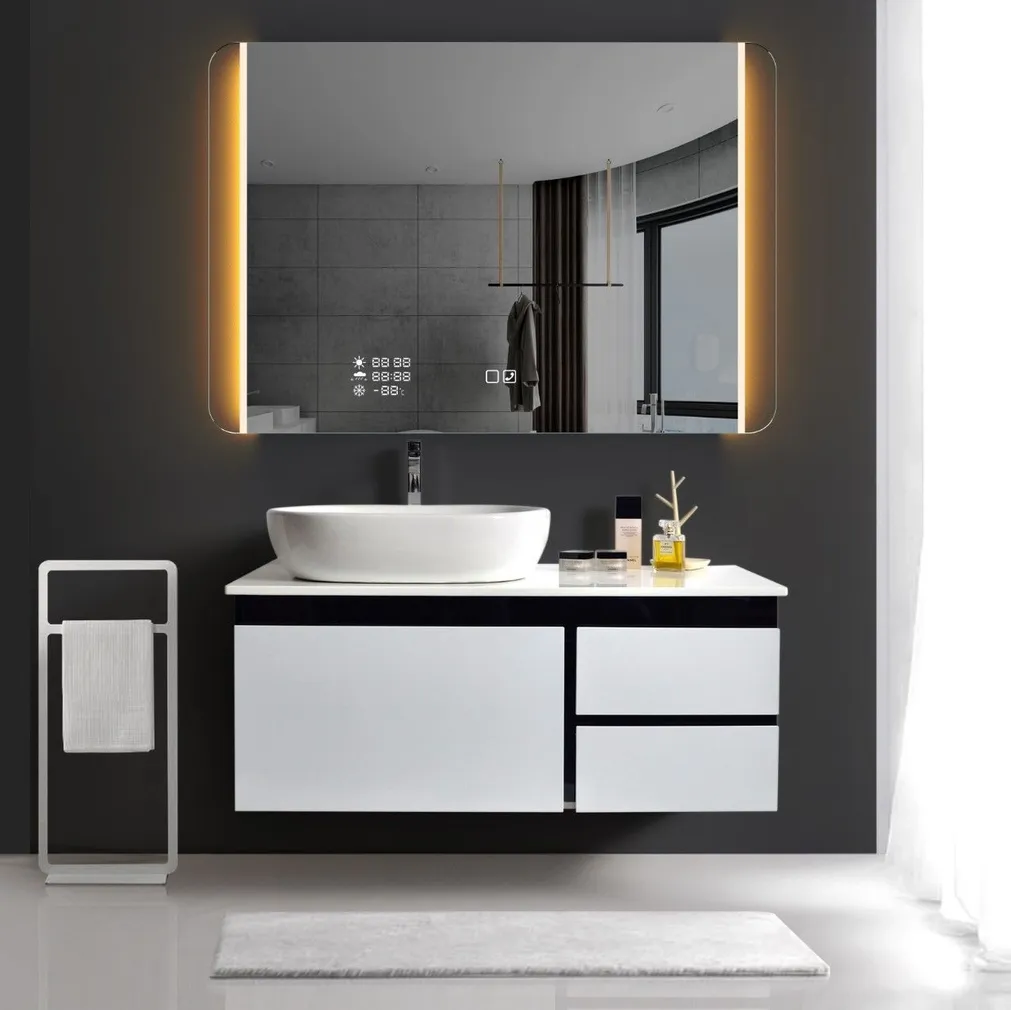
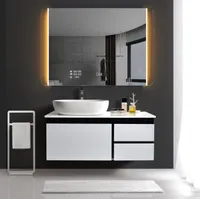
MIRROR VINCHOME NAVARRE LED LIGHTING 100X70CM WIFI REMOTE CONTROL
SKU: 738359
We apologize, but we inform you that the desired product is currently temporarily out of stock due to high demand. However, we offer excellent alternatives from the same product category , which can bring you just as much joy!
But your shopping pleasure doesn't have to end here - you can continue your research by returning to the homepage or use our powerful search function to discover even more great options. Happy shopping!
• LED mirror.
• Brightness control.
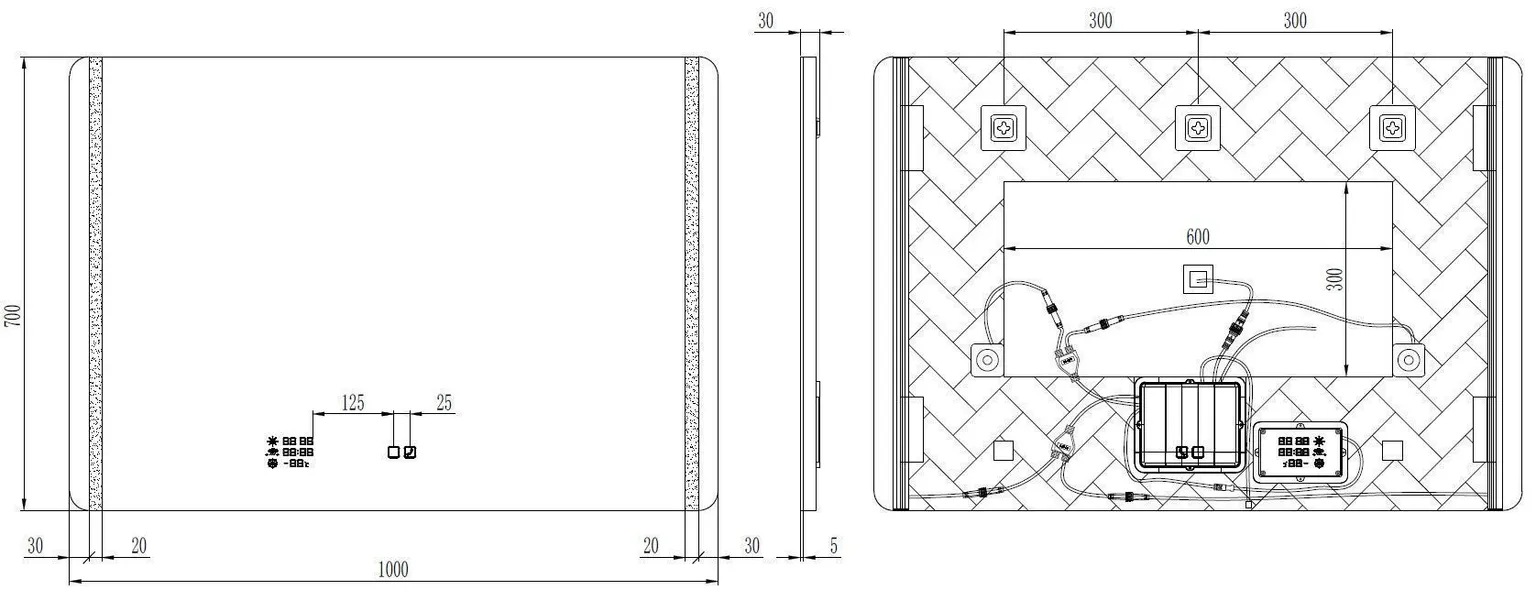
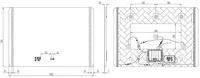
• Dimensions: 100 x 70 cm.
• Anti-fog function: the heater turns on when the mirror light is switched on.
• 14-day return policy.
• PRODUCT AVAILABLE FOR ORDER FROM THE SUPPLIER’S WAREHOUSE
- Delivery is not possible
Vinchome LED Mirror Navarre with WiFi/Bluetooth/Phone connectivity, measuring 100 x 70 cm. Power: 63 W, LED power: 20, luminous flux: 1530 lm.
Features:
• TOUCH SWITCH / Touch button.
• DIMMER / Brightness control.
• DEFOGGER / Defogging function: the heater turns on when the mirror light is switched on.
• COLOR CHANGING / Color change (3000/4500/6500K) Warm white/Cool white/Daylight.
• BLUETOOTH / Music via Bluetooth (speakers).
• The mirror’s display shows the time, temperature, and weather forecast only when connected to Wi-Fi.
• PHONE / You can make phone calls (via Bluetooth).
For the LED light:
1. To turn the light on or off, or to switch between warm white and daylight, briefly press the touch switch. (Note: The defogger is turned on or off with the mirror light.)
2. After turning on the light, press and hold the touch switch to adjust the brightness.
3. Stop whenever you feel the brightness is suitable for you.
WiFi App Connection Guide:
1. Download the Tuya Smart app from Google Play or the iOS App Store. Register an account in the Tuya Smart app.
2. To enter pairing mode, turn the device on and off three times. Follow pages 1–6 of the manual for instructions on how to pair the device in the Tuya Smart app. You can change the device name on page 6.
NOTE: Turn the power on and off 3 times—from the power outlet (not the mirror’s LED button). For example, you can do this by connecting the mirror to a switch, plugging it into an outlet, or turning the switch on the electrical panel on and off. This needs to be done only once when connecting to the app for the first time.
For Bluetooth music:
1. Turn on the power.
2. Open the Bluetooth search on your phone, search for “mirror multimedia,” select it, and connect.
3. You can then play any music from your phone or remote control.
NOTE: You can connect only one device via Bluetooth at a time. If you want to connect a second device, forget the first device.
| General | |
|---|---|
| Brand | Vinchome |
| Product height, cm | 70 |
| Product width, cm | 100 |
| Product depth, cm | 3 |
| Product code | 738359 |
| Package dimensions | |
|---|---|
| Product weight, kg | 7 |
| Package height, cm | 80 |
| Package depth, cm | 10 |
| Package width, cm | 110 |
| Weight, kg | 8 |
| Product information | |
|---|---|
| Lighting | Yes |
| Shelf | No |
| Shape | Rectangular |
| Protection rating, IPXX | 44.00 |
Instructions
You can conveniently download the product manuals here. Have fun using it!
Delivery is not possible